Why Your "Broken" Sport Earbuds Aren't: The 4 Fixes Every User Must Know
Update on Nov. 14, 2025, 6:51 a.m.
It’s one of the most frustrating moments in modern tech: your trusty pair of wireless earbuds—the ones you rely on for workouts, calls, and commuting—suddenly fails. Maybe the right earbud has gone silent. Maybe they sound tinny and weak. Or perhaps, as in one all-too-common scenario, you find “burnt” marks on the charging contacts after a sweaty gym session, and now they won’t charge at all.
Before you process a warranty claim or throw them in a drawer, it’s critical to know that in most cases, your earbuds aren’t “broken.” They are simply in a state of common, fixable user error.
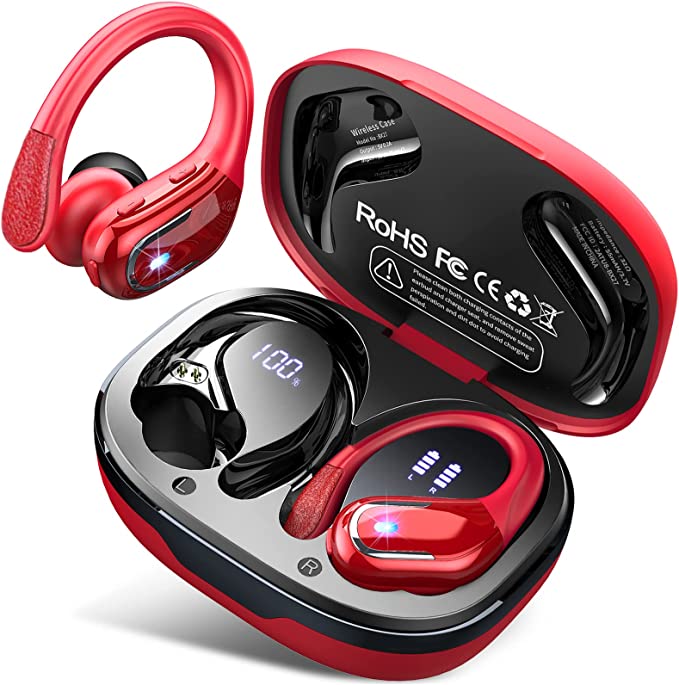
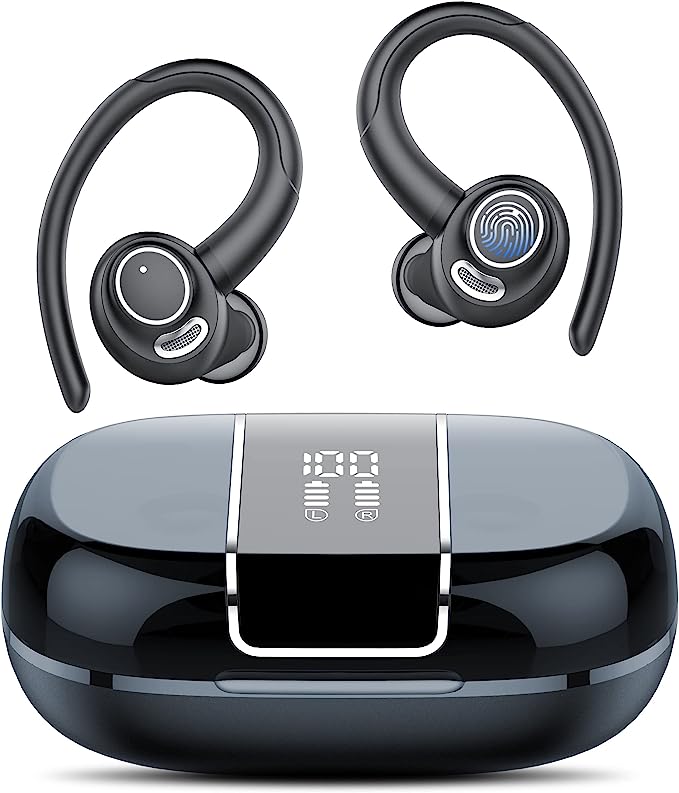
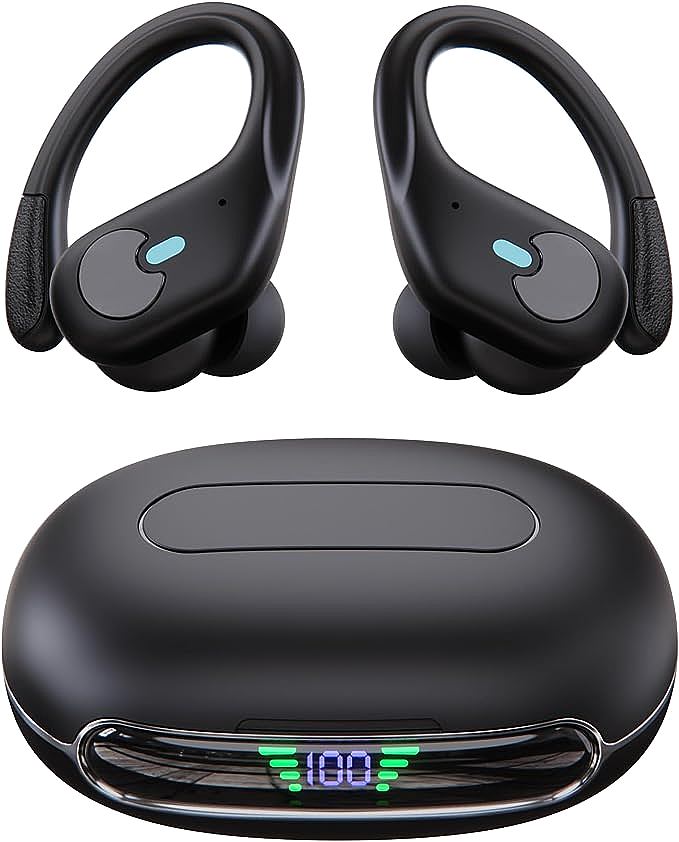
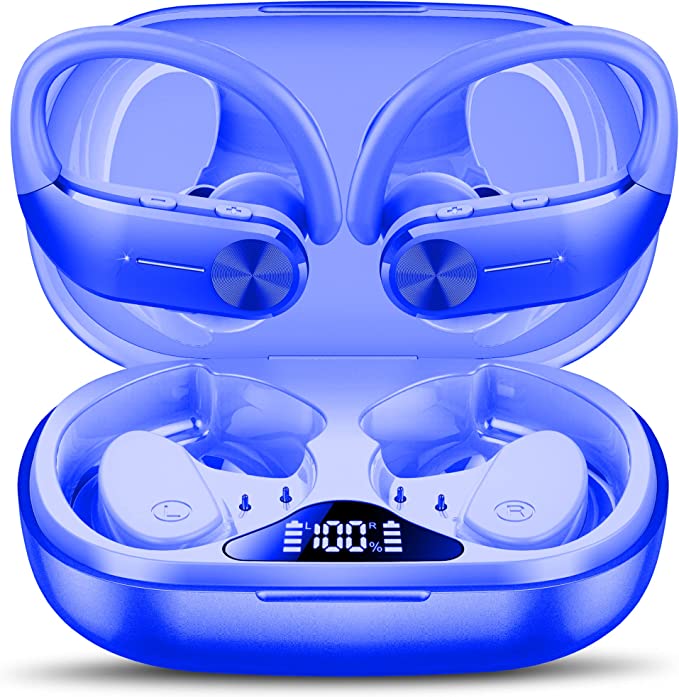
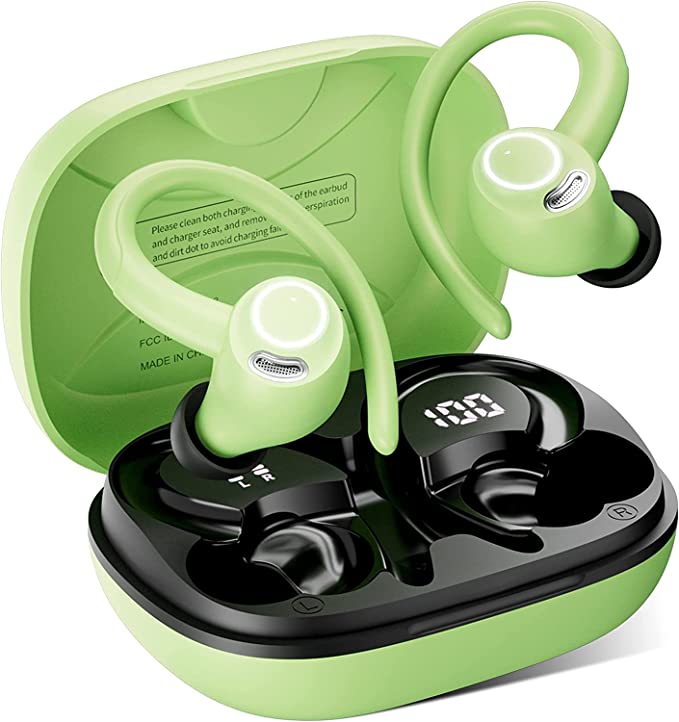
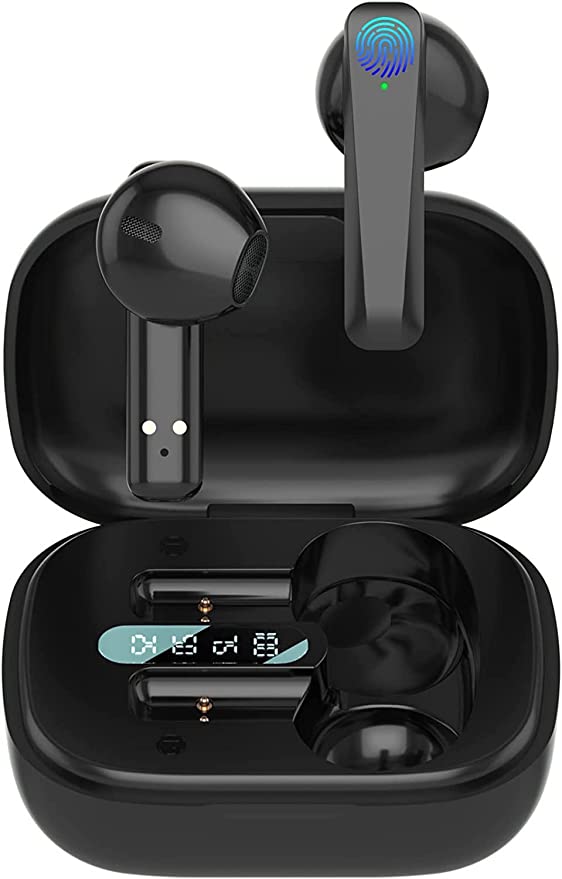
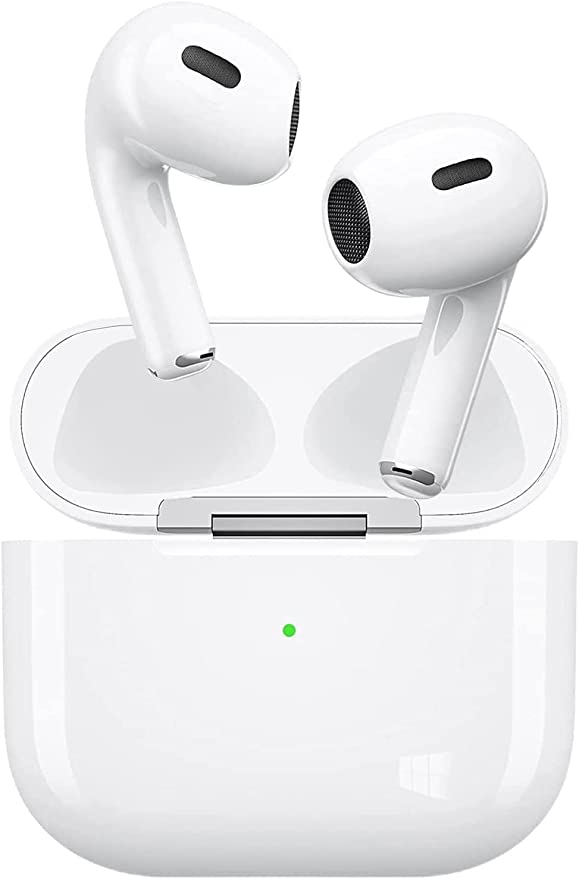
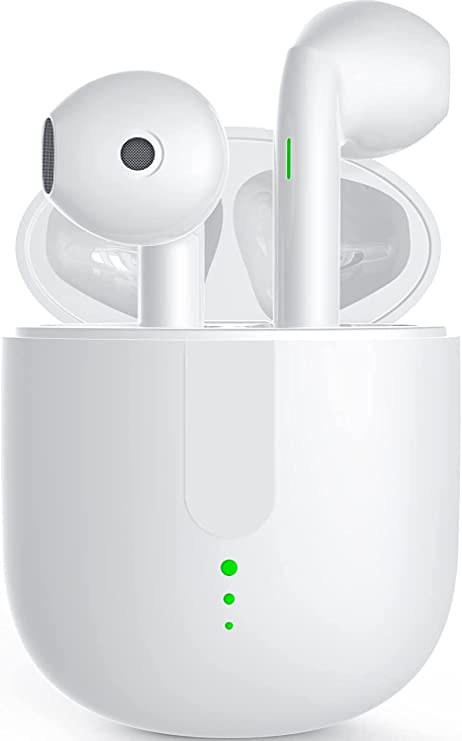
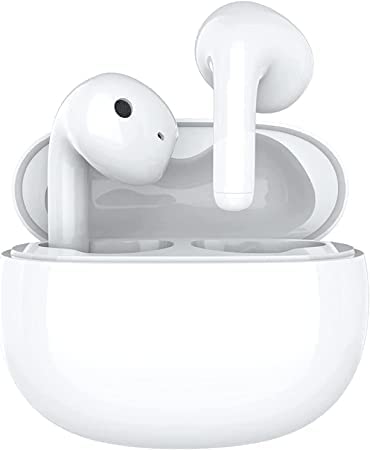
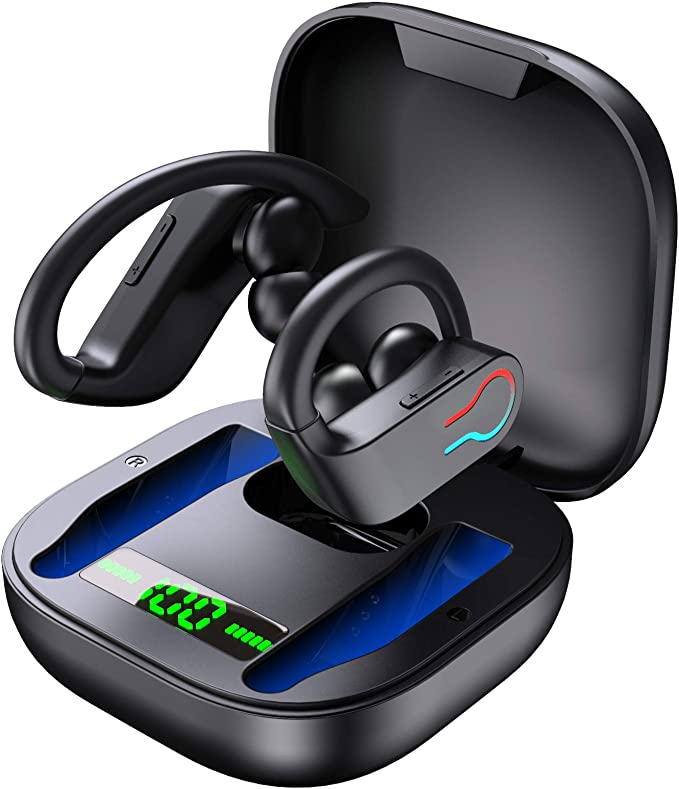
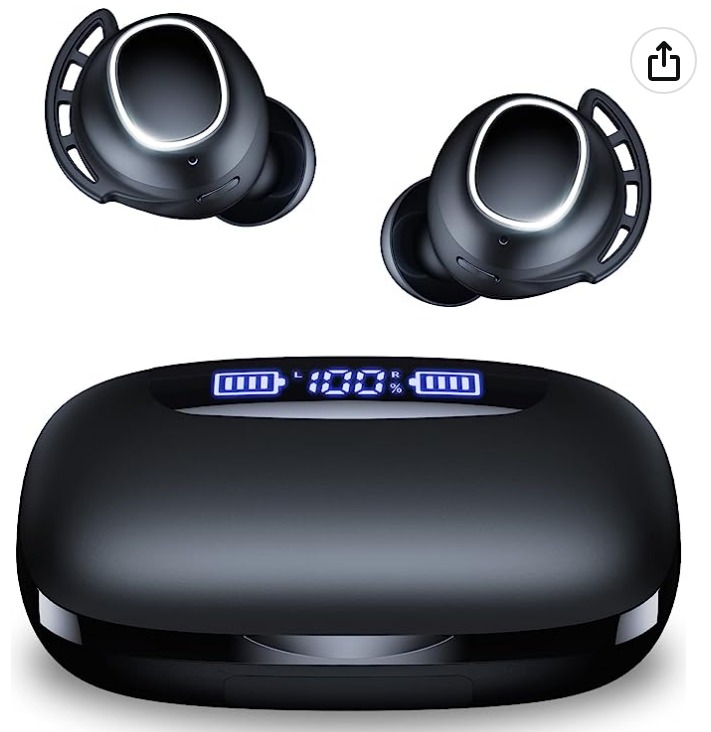
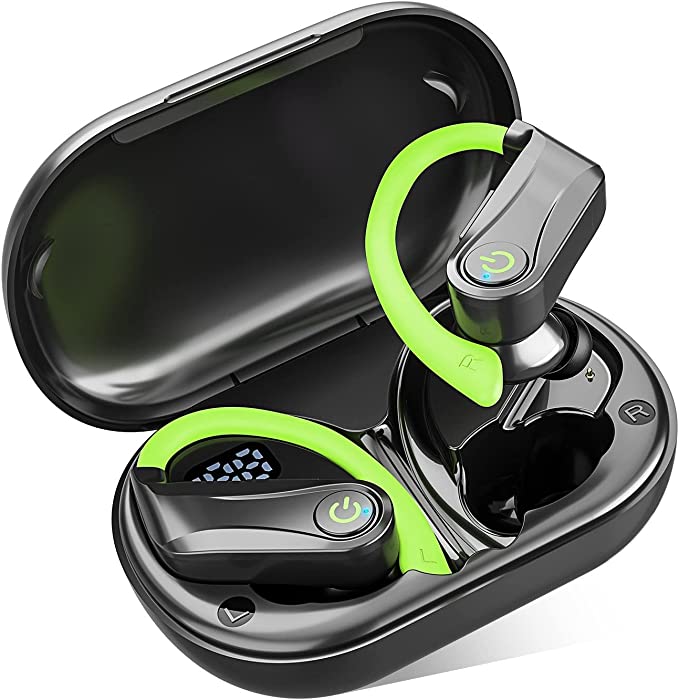
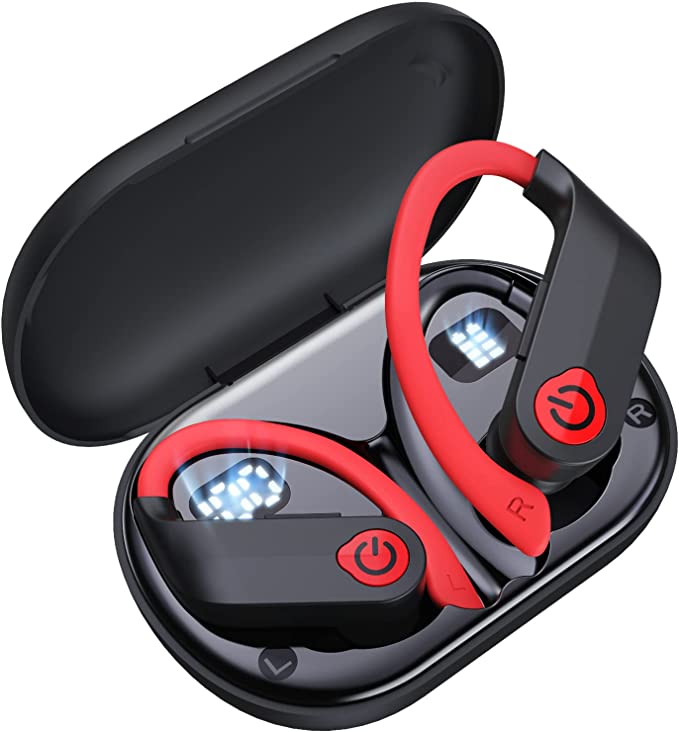
The design of modern sport earbuds has become incredibly advanced, packing in features like earhooks, long battery life, and high waterproof ratings. But this complexity also introduces new, non-obvious rules for ownership. Using a feature-rich model like the CAPOXO X19 Wireless Earbuds as our case study, let’s deconstruct the top “failures” that are almost always user-fixable.
1. The Problem: “One Side Is Dead” (The Reset Fix)
This is the number one complaint for all True Wireless Stereo (TWS) earbuds, regardless of brand. You take them out of the case, and only the left (or right) side connects. The other appears completely dead.
- What’s Happening: The two earbuds have lost their primary “sync” with each other. The “dead” earbud is often still on and searching for its partner, but it can’t find it. Your phone, only connected to one bud, enters “mono” mode, leaving you with a frustrating, lopsided experience.
- The Old Fix: The traditional solution is a complex ritual: “forget” the device on your phone, turn off Bluetooth, put both buds in the case, wait 10 seconds, take them out, wait for them to pair to each other (often indicated by a flashing light), and then re-pair to your phone.
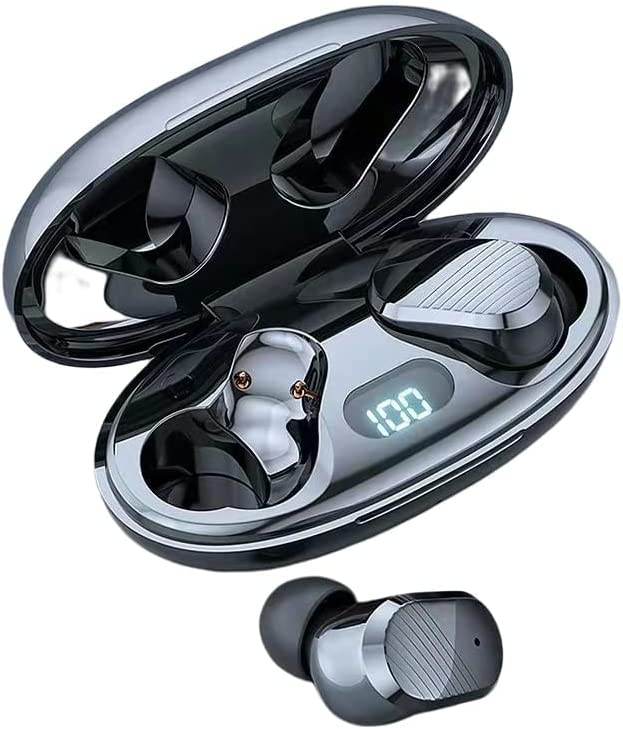
- The Engineered Solution: Manufacturers have recognized this pain point. Some models, like the CAPOXO X19, have engineered a direct solution: a physical “One-Key Reset” button on the charging case. Instead of the complex ritual, you simply press and hold that single button. This forces a factory reset on both buds, resynchronizes them, and prepares them for a fresh connection. As user reports confirm, this simple button “worked perfectly” to solve the “dead earbud” problem.
2. The Problem: “It’s Waterproof, But It ‘Burnt’ and Died” (The Charging Fix)
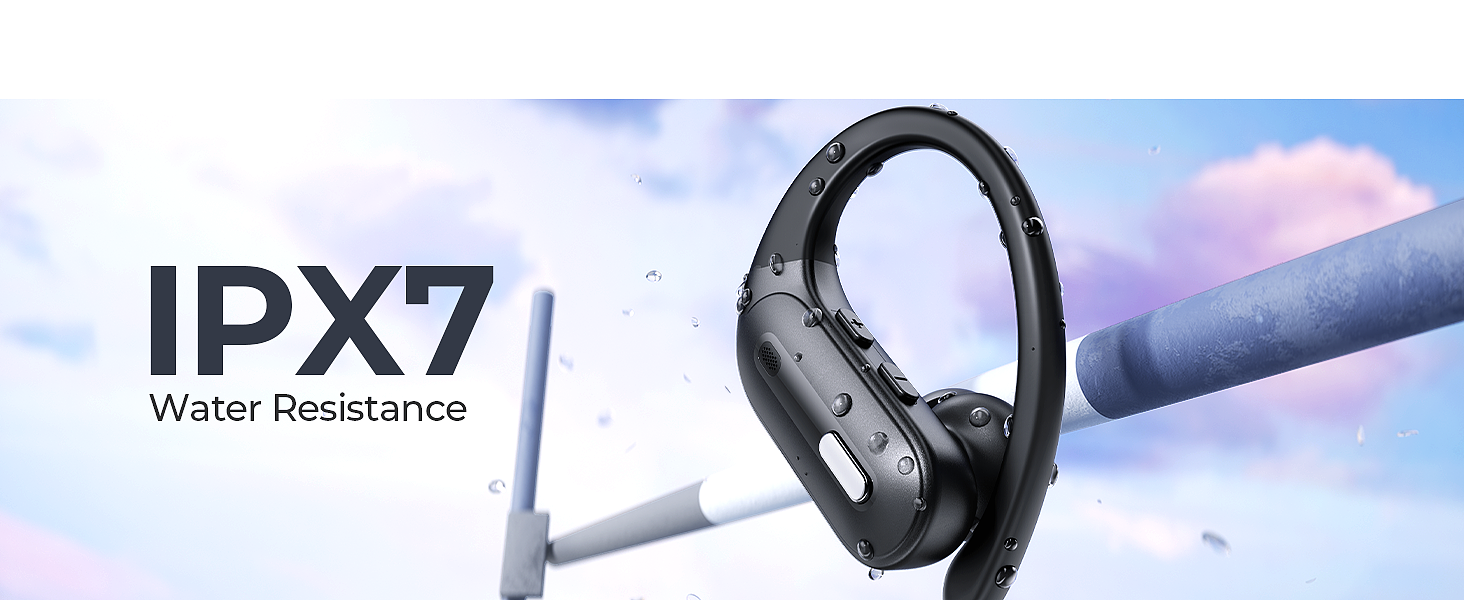
This is a tragic and costly mistake, born from a misunderstanding of a key feature. A user, after a strenuous workout, responsibly places their IPX7 waterproof earbuds back in the charging case, only to find them dead and the gold charging pins “burnt” or corroded the next day.
- What’s Happening: You’ve created a tiny, perfect storm of chemistry. IPX7 means the earbuds can be fully submerged in water (up to 1 meter for 30 minutes) and survive. This is an incredible feat of sealing. However, it does not mean the earbuds are immune to electrolysis.
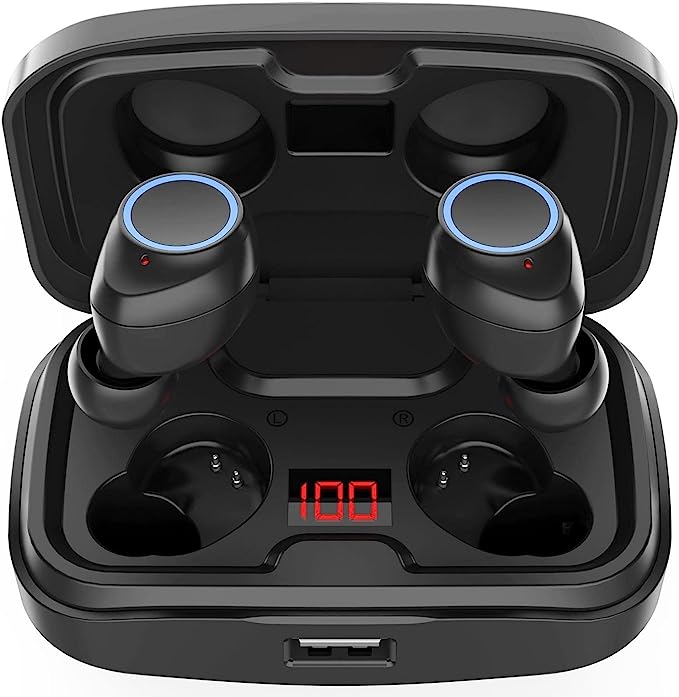
- The Science: Sweat is salty and conductive. When you place a wet earbud onto the live charging contacts in the case, you introduce moisture to an active electrical current. This instantly begins a process of corrosion and electrolysis, which eats away at the metal pins, creating the “burnt” look and destroying their ability to transfer power.
- The Golden Rule: As customer service agents often (gently) remind users, it was this action, not the sweat itself, that caused the failure. You must always wipe your sport earbuds completely dry with a soft cloth before placing them back in the charging case. An IPX7 rating protects you from the run; a dry cloth protects your investment.
3. The Problem: “These Sound Muffled and Weak” (The EQ Fix)
You just bought a pair of sport earbuds with large 13mm drivers, advertised as having “stereo bass,” but the sound is underwhelming. An honest audiophile might describe it as “poor on the higher end,” with “punchy” but muddy bass.
- What’s Happening: The earbuds are not defective; they are tuned. Sport earbuds are almost universally “factory-tuned” with a V-shaped sound signature. This means the bass and treble are artificially boosted, while the mid-range (where vocals and many instruments live) is recessed. This profile is designed to make pop and electronic music sound “exciting” and “powerful” during a workout.
- The Fix: This is a software problem, not a hardware one. As savvy users discover, this tuning is easily corrected. Go into your smartphone’s settings (e.g., “Sounds & Vibration” > “Sound Quality and Effects” > “Equalizer”). The default “Normal” setting is what sounds bad. Try switching to the “Rock” preset, which often tames the bass and raises the mids. Or, try an “Adapt Sound” feature for your age range, which typically boosts the mid and high frequencies you may be less sensitive to. This simple, free tweak can transform the audio from “poor” to “excellent.”
4. The Problem: “My Music Keeps Pausing!” (The Interface Fix)
This is the curse of touch controls in an athletic environment. You’re running, sweat drips, and your music stops. You adjust your earbud, and you accidentally skip a track.
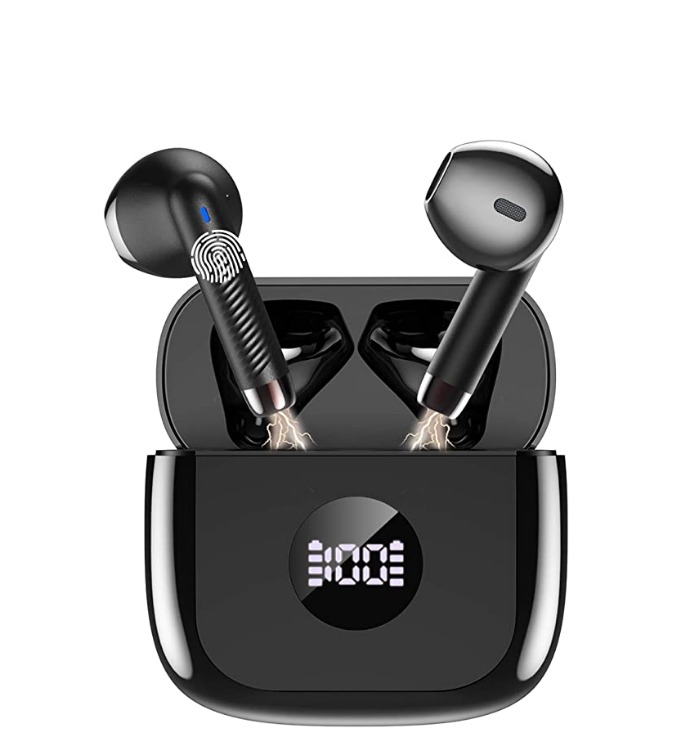
- What’s Happening: Capacitive touch controls, which are standard on most high-end earbuds, are finicky. They can interpret a drop of sweat or a minor adjustment as a “tap,” leading to constant, frustrating interruptions.
- The Engineered Solution: This is a case where “newer” isn’t always “better” for a specific use. Many athletes prefer physical buttons. Some models, like the CAPOXO X19, are designed for this. They intentionally feature separate, physical buttons for volume and track/pause functions. This tactile design gives you deliberate, click-feedback control that is impossible to trigger by accident. It’s a design choice that prioritizes reliability and function over minimalist aesthetics, and it’s a feature that many high-priced competitors lack.
Before assuming your gear is faulty, run through this checklist. Your earbuds are likely just waiting for the right command, the right setting, or a simple wipe-down to work as intended.