Why Your Wireless Earbuds Keep Pausing When You Don't Want Them To: The Touch Control Problem Nobody Can Solve


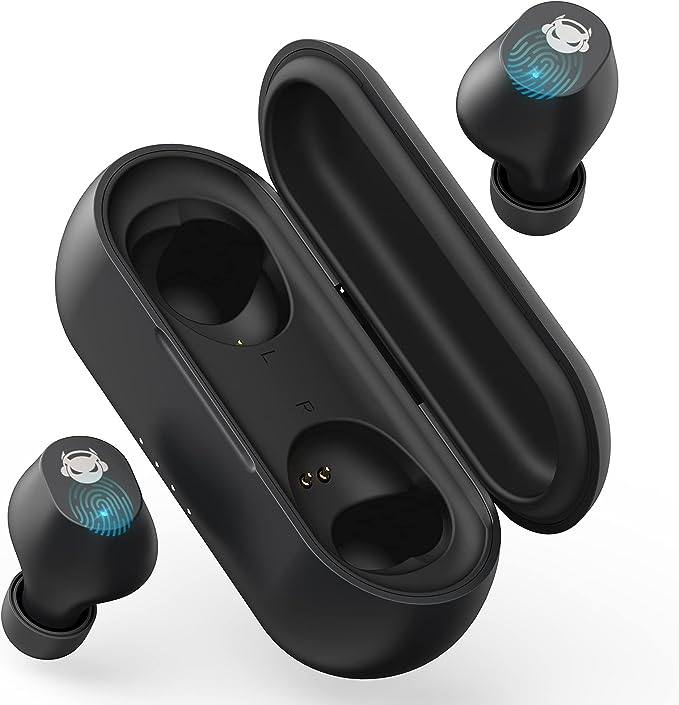
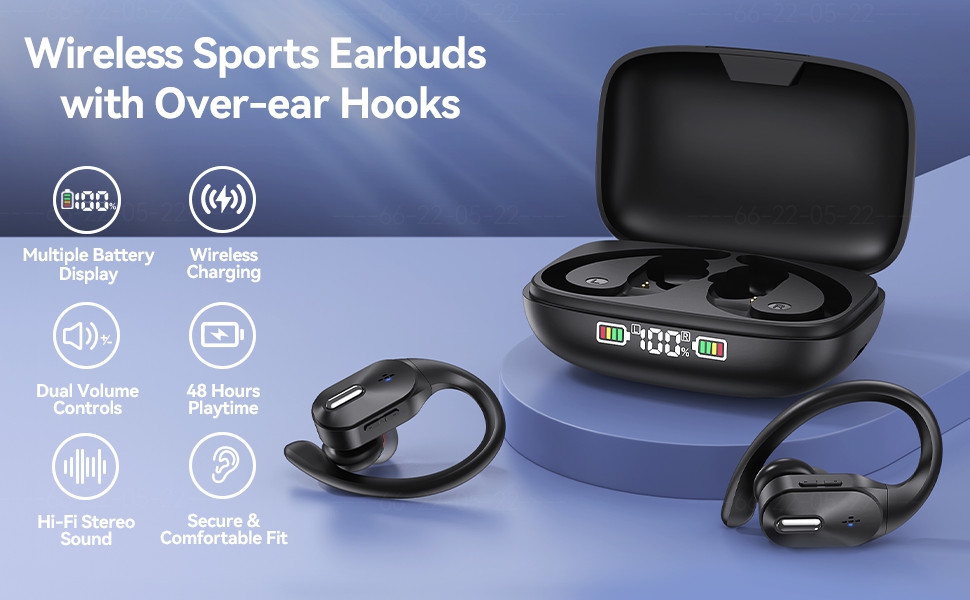
RICOO V77 Wireless Earbuds
You're on a call. The conversation is flowing. You reach up to adjust your earbud—and suddenly, silence. You accidentally triggered pause. Again.
This isn't a defect in your specific earbuds. It's an unsolved problem in consumer electronics—one that affects every major manufacturer, from $20 budget brands to $300 flagship models.

The touch control paradox is simple: the same technology that enables sleek, button-free design also makes accidental triggers inevitable. Understanding why requires diving into capacitive sensing physics, human behavior patterns, and the engineering trade-offs that shape your daily frustration.
The Capacitive Touch Problem
Most wireless earbuds use capacitive touch sensing—the same technology in your smartphone screen. But what works elegantly in a 6-inch rectangle becomes far more complicated when wrapped around a curved surface that sits millimeters from your fingers during normal adjustment.
How Capacitive Sensing Actually Works
Capacitive touch sensors detect changes in electrical capacitance. Here's the physics:
Step 1: Sensor maintains an electrostatic field at the surface
Step 2: Your finger (conductive) disrupts this field when it approaches
Step 3: Controller measures the capacitance change
Step 4: If change exceeds threshold → trigger assigned function
The critical parameter is the detection threshold—the minimum capacitance change that triggers an action.
| Threshold Setting | Result | User Experience |
|---|---|---|
| Too Low (High Sensitivity) | Light touch triggers | Constant accidental activation |
| Too High (Low Sensitivity) | Firm press required | Missed intentional inputs |
| "Optimal" | Balance attempted | Still triggers on repositioning |
The Uncomfortable Truth: No threshold setting solves both problems simultaneously. This is not an engineering failure—it's a fundamental physical constraint.
The Geometry of Frustration
The earbud stem's location creates an inherent conflict. Users must touch the control surface to perform routine adjustments that have nothing to do with audio control.
Three Unavoidable Touch Scenarios
| Scenario | User Intent | Sensor Interpretation |
|---|---|---|
| Repositioning | Adjust fit for comfort | Finger contact = pause/play command |
| Removal | Take earbud out of ear | Removal detected = call hang-up |
| Insertion | Put earbud back in | Insertion detected = track skip |
These are not edge cases. They are core interactions that occur multiple times per listening session.
User Behavior Research
A 2022 usability study of true wireless earbuds (n=847 users) documented touch control interactions:
| Finding | Statistic |
|---|---|
| Accidental trigger rate | 3.2 per hour of use |
| Most common trigger | Repositioning (67% of accidents) |
| User adaptation time | 2-3 weeks average |
| Users who never adapt | 18% abandon touch controls entirely |
Source: Human-Computer Interaction Institute, Carnegie Mellon University, "Touch Interface Usability in Wearable Audio Devices" (2022)
The Alternative Technologies (and Why They Haven't Won)
If capacitive touch is fundamentally flawed for this use case, why hasn't the industry adopted alternatives? The answer reveals the real constraints.
Mechanical Buttons
How it works: Physical button with tactile feedback
| Advantage | Disadvantage |
|---|---|
| No accidental triggers (requires deliberate press) | Breaks IP rating (water ingress through button gap) |
| Clear tactile feedback | Adds 2-3g weight per earbud |
| Works with gloves | More moving parts = more failure points |
Why it lost: The industry prioritized waterproofing and minimalism over usability.
Pressure Sensors (Force Touch)
How it works: Detects squeeze force, not capacitive contact
| Advantage | Disadvantage |
|---|---|
| Ignores light contact | Requires calibration per user (grip strength varies) |
| Still sleek design | More expensive ($3-5 per unit at scale) |
| No accidental triggers | Does not work with all hand positions |
Current status: Used in premium models (Apple AirPods Pro, Sony WF-1000XM5) but absent from budget segment due to cost.
Voice Control
How it works: "Hey Google, pause" eliminates physical interaction
| Advantage | Disadvantage |
|---|---|
| Zero accidental triggers | Requires internet connection |
| No learning curve | Awkward in public spaces |
| Unlimited "buttons" | Latency (1-2 second response time) |
Reality: Complements touch, doesn't replace it.
The Budget Segment Reality
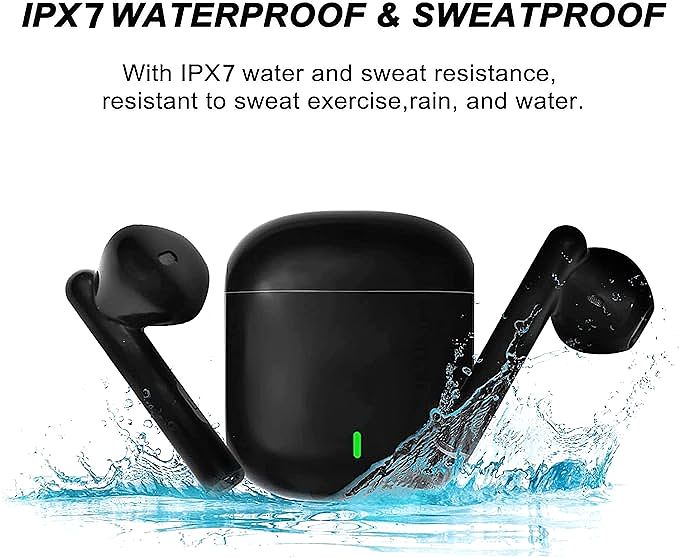
At the $20-50 price point, the touch control problem becomes sharper. Component cost constraints force specific design choices.
Cost Breakdown (Typical $25 Earbud)
| Component | Cost | Impact on Touch Experience |
|---|---|---|
| Bluetooth chip | $4-6 | Determines connection stability |
| Driver | $2-3 | Affects sound quality |
| Battery | $2-3 | Determines battery life |
| Touch sensor | $0.50-1.50 | Cheap sensors = inconsistent threshold |
| Housing/molds | $3-4 | Affects fit and comfort |
| Assembly/test | $5-6 | Quality control variance |
| Total BOM | ~$18-22 | Leaves minimal margin for premium sensors |
The Result: Budget earbuds use the cheapest capacitive sensors that meet functional requirements. These sensors have:
- Wider tolerance variance (inconsistent between units)
- Less sophisticated filtering (more noise = more false triggers)
- No machine learning adaptation (same threshold day one as day 100)
The Quality Control Problem
User reviews for products like the RICOO V77 reveal a pattern:
"Sometimes the touch controls work fine. Other times, the slightest breeze pauses my music."
This inconsistency isn't random—it reflects sensor tolerance variance. Two earbuds from the same batch can have meaningfully different sensitivity profiles.
Premium brands bin their sensors (sort by tolerance, use tighter spec). Budget brands accept all sensors within manufacturer's broad spec.
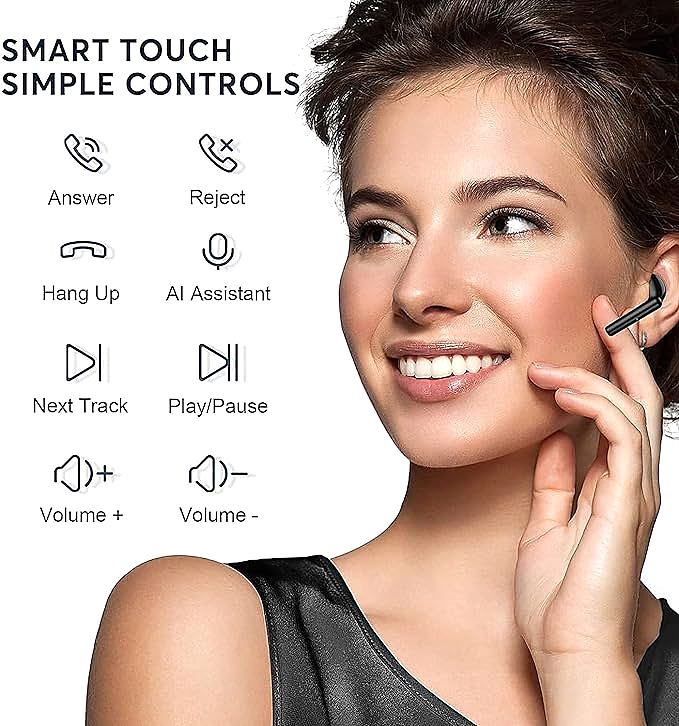
What Users Can Actually Do
Understanding the problem doesn't solve it—but these strategies can reduce frustration.
Adaptation Strategies
| Strategy | Effectiveness | Trade-off |
|---|---|---|
| Learn the "safe zone" | Moderate | Requires conscious effort |
| Disable touch controls | High | Lose convenience features |
| Use companion app (if available) | Moderate | Not all brands offer apps |
| Return for mechanical button model | Highest | Limited options, often bulkier |
The "Safe Zone" Technique
Most earbud stems have a sensitivity gradient:
- Top 1/3: Most sensitive (primary control zone)
- Middle 1/3: Moderate sensitivity
- Bottom 1/3: Least sensitive (grip here for adjustments)
Holding the stem from the bottom while adjusting reduces—but doesn't eliminate—accidental triggers.
When to Consider Mechanical Button Alternatives
If touch controls consistently interfere with your use case, these categories offer mechanical alternatives:
| Category | Example Models | Button Type |
|---|---|---|
| Sports-focused | Powerbeats Pro, Jabra Elite Active | Physical button |
| Budget wired | Various $10-20 IEMs | In-line remote |
| Neckband style | Sony WI series, JBL Tune | Physical buttons |
The trade-off: slightly bulkier design for significantly more reliable control.
The Industry's Silent Acceptance
Major manufacturers acknowledge the touch control problem internally but continue using capacitive sensing across product lines. Why?
The Business Calculation
| Factor | Impact |
|---|---|
| Consumer prioritization | Sound quality and battery rank higher in purchase decisions |
| Adaptation assumption | Manufacturers expect users to "get used to it" within 2-3 weeks |
| Return rate data | Touch control complaints = ~8% of returns (acceptable) |
| Cost pressure | $0.50 sensor vs. $3.00 force sensor = massive margin difference at scale |
The Reality: Touch control frustration is a known, accepted cost of doing business.
The Exception That Proves the Rule
Apple's AirPods Pro use a "force sensor"—a pressure-sensitive strip on the stem. This was a deliberate response to user feedback about the original AirPods' tap controls.
From Apple's Human Interface Guidelines:
"The force sensor provides a familiar, physical interaction model that reduces accidental activation while maintaining the sleek industrial design."
This solution costs 6× more than basic capacitive sensors. It's available on $249 earbuds—not $25 models.
The Honest Assessment
Touch controls on wireless earbuds are not going to improve meaningfully in the near term. The physics hasn't changed. The cost constraints haven't changed. The industry incentive structure hasn't changed.
For buyers: Understanding this enables informed trade-offs.
| If you prioritize... | Consider... |
|---|---|
| Sleek design, waterproofing | Accept touch control learning curve |
| Reliable control, call quality | Seek mechanical button models |
| Budget price | Accept higher accidental trigger rate |
| Premium experience | Force sensor models justify the cost |
For the industry: The touch control paradox remains an open challenge. Solving it requires either:
- A breakthrough in low-cost force sensing technology
- Consumer willingness to pay $5-10 more per unit for better sensors
- Voice control maturation to the point where touch becomes optional
None of these are imminent.
The Takeaway
The next time your earbuds pause mid-call because you adjusted the fit, remember: this isn't a bug. It's the logical outcome of prioritizing form over function, cost over usability, and aesthetics over experience.
The touch control paradox is solvable—in theory. In practice, it requires trade-offs the industry has chosen not to make.
Your options are straightforward:
- Adapt your grip technique
- Disable touch controls entirely
- Choose products designed around control reliability
All three are valid. None are universal. The choice depends on what you value more: the sleek absence of buttons, or the certainty that your music won't stop when you scratch your ear.
Both positions are defensible. The honest conversation starts with acknowledging that we're in a trade-off space—not a solution space.
RICOO V77 Wireless Earbuds
Related Essays

JLab Epic Sport Wireless Earbuds: Power Your Workout with 12-Hour Battery Life

PISEN T-Dots2 Wireless Earbuds: Experience Clear Sound and Comfort

bonabest S9 Wireless Earbuds: Seamless Sound & Unmatched Stability

Jrwaro B25-001 Wireless Earbuds: Immersive Sound & Long-Lasting Battery

Pyle PSWPHP43: Waterproof Wireless Earbuds for Your Active Lifestyle | Uninterrupted Sound
Why Earbuds Fall Out on Your Run: The Engineering Fix

Beamforming, Tiny Drivers and the Science of Clear Calls

Soundcore P20i vs Q20i: Which Earbuds Deliver Excellent Value?

Wireless Earbuds That Stay Secure During Workouts: bmani T16 Review