Cracking the Codec: The Science Behind Nintendo Switch's Audio Lag and How to Fix It
Update on Nov. 14, 2025, 4:08 p.m.
The Nintendo Switch is a marvel of hybrid gaming, seamlessly transitioning from a living room console to a portable powerhouse. Yet, for all its brilliance, it harbors a persistent and frustrating flaw that has plagued gamers since its launch: noticeable wireless audio lag. If you’ve ever paired your favorite Bluetooth headphones for a session of Super Smash Bros. Ultimate only to see a Falcon Punch land a split-second before you hear its satisfying impact, you’ve encountered this problem firsthand.
This isn’t a defect in your headphones or your console. It’s a fundamental technological limitation rooted in the complex science of wireless audio transmission. To truly solve it, we must first understand it. This guide will deconstruct the science behind the Switch’s audio latency and provide a clear framework for choosing a headset that delivers a genuinely responsive, lag-free experience.
The Invisible Culprit: A Deep Dive into Bluetooth Audio Codecs
When your Switch sends audio to your wireless headset, the digital data must be compressed (encoded) to travel efficiently through the air and then decompressed (decoded) by your headset. The software algorithm responsible for this process is called a codec. This is where the latency problem begins.
The Nintendo Switch, for its standard Bluetooth audio output, primarily supports the most basic, universally compatible codec: SBC (Subband Codec). While SBC gets the job done, it’s notorious in audio circles for two things: relatively low fidelity and, most critically for gaming, high latency. The encoding and decoding process for SBC is computationally intensive and can introduce a delay of anywhere from 150 to over 250 milliseconds. To a human brain, any delay over about 40-50 milliseconds becomes perceptible, and at 200ms, the lag between an on-screen action and its corresponding sound is jarringly obvious.
This is why a headset that works perfectly for watching movies on your laptop might feel unusable for playing a rhythm game on your Switch. The audio simply isn’t arriving fast enough to keep up with the action.
The Solution: The Quest for a Low-Latency Codec
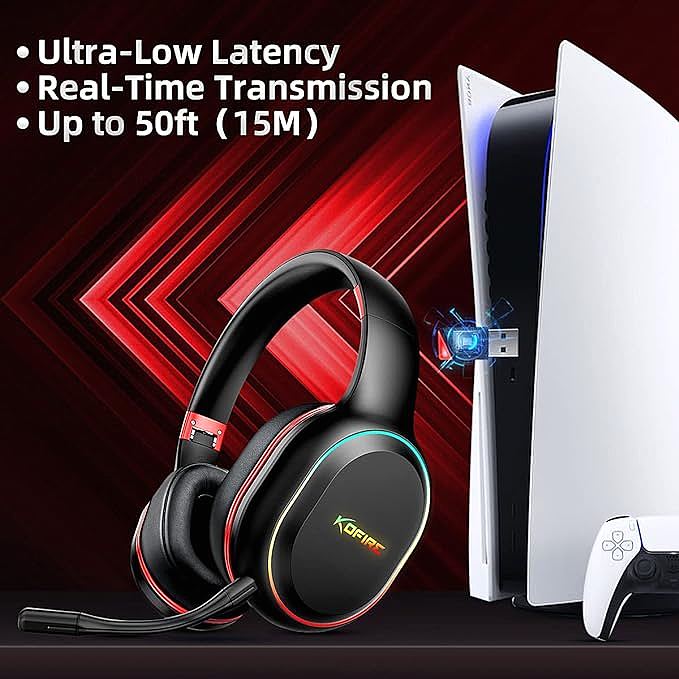
The solution to this problem lies in using a more advanced, low-latency codec. The gold standard for gaming has long been aptX Low Latency (aptX LL). This codec, developed by Qualcomm, is specifically engineered to dramatically reduce the encoding/decoding delay, typically bringing latency down to under 40 milliseconds—a level that is virtually imperceptible to most people.
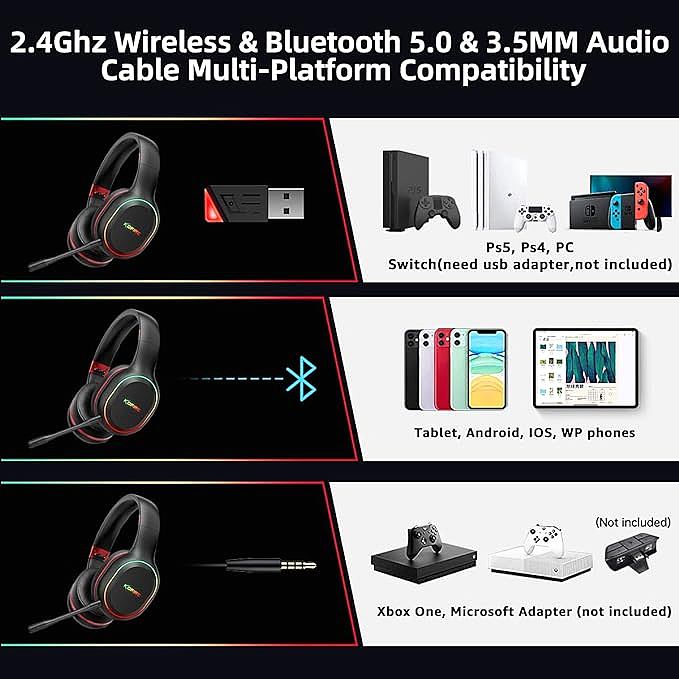
However, there’s a catch: for a low-latency codec to work, both the transmitter (your console) and the receiver (your headset) must support it. Since the Switch itself doesn’t natively support aptX LL for its built-in Bluetooth, a direct connection will always be limited by the high latency of SBC. This is why many “Switch-compatible” wireless headsets, like the KOFIRE UG-05, often utilize a dedicated USB dongle. This dongle acts as a high-speed audio bridge, creating its own low-latency wireless connection that bypasses the Switch’s compromised internal Bluetooth audio system entirely.
Beyond Latency: What Makes a Great Gaming Headset?
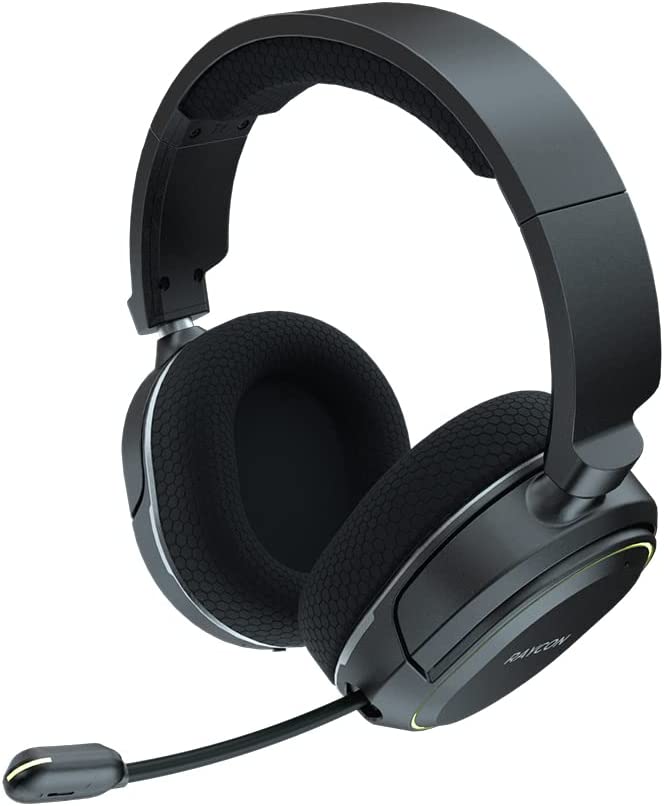
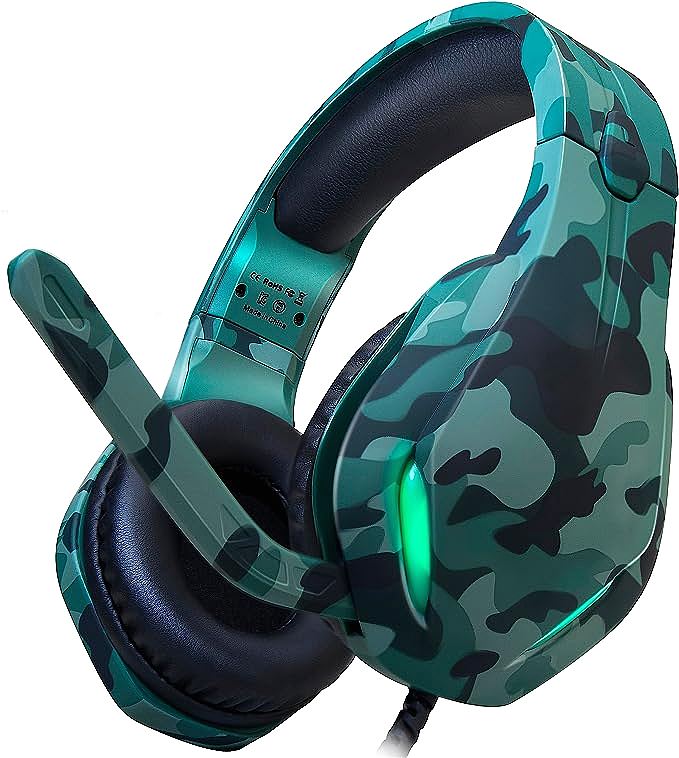
While solving the latency problem is the primary challenge, a truly great gaming headset must deliver on several other fronts. Using the KOFIRE UG-05 as a model, we can see how these features come together in a purpose-built device.
Immersive Audio and Communication: A headset must not only deliver sound quickly but also with clarity and impact. Over-ear designs provide a degree of passive noise isolation, physically blocking out external distractions to keep you focused. For communication, a noise-cancelling microphone is essential. It uses signal processing to isolate your voice from background noise, ensuring your teammates hear your callouts, not your air conditioner.
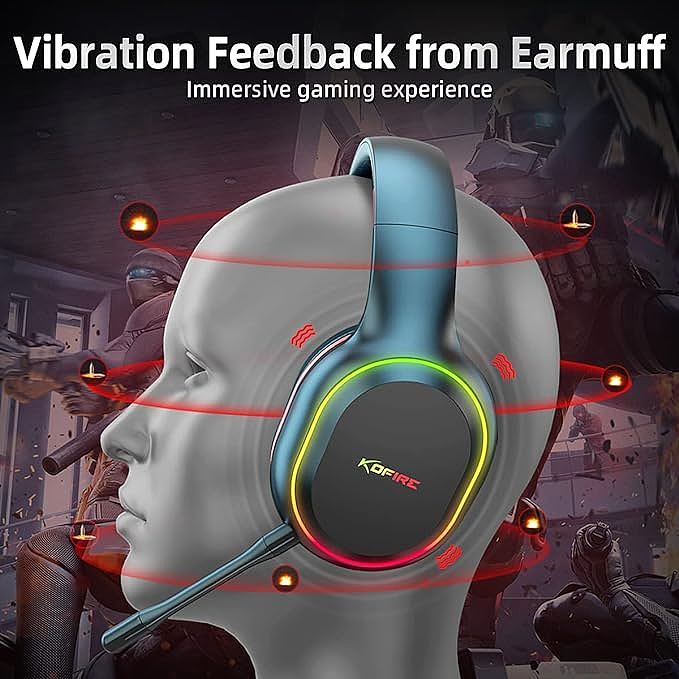
Haptic Immersion with Vibration Feedback: Some headsets add another layer of sensory input with vibration feedback. This feature uses small motors in the earcups to create a physical rumble that corresponds to low-frequency sounds like explosions or engine roars. While not essential for competitive play, it can significantly enhance the sense of immersion, making the game world feel more tangible and impactful.
Cross-Platform Versatility: The ideal headset should move with you. A device that is seamlessly compatible with not just the Switch, but also with PC, PS5, and PS4, offers tremendous value. This versatility, often enabled by both Bluetooth and a 3.5mm auxiliary cable for wired connections, means your investment serves your entire gaming ecosystem.
Conclusion: Empowering Your Play with the Right Knowledge
The frustration of wireless audio lag on the Nintendo Switch is a real and widespread issue, but it’s one with a clear technological solution. It’s not about finding a “magic” pair of headphones, but about understanding the critical role of the audio codec and ensuring your chosen solution bypasses the Switch’s native limitations.
Headsets engineered specifically for this multi-platform gaming environment, often employing a dedicated wireless adapter, are designed from the ground up to solve this problem. Models like the KOFIRE UG-05 represent an accessible entry point into this world of low-latency audio, combining a focus on connectivity with features that enhance both immersion and communication.
By arming yourself with this knowledge, you can confidently navigate the market, looking past simple “Bluetooth compatible” claims and seeking out solutions that truly deliver the responsive, lag-free audio experience your games deserve. The difference is not just audible; it’s a competitive advantage.