How to Use Wireless Earbuds: Pair, Control, and Fix Them

ZIUTY Wireless Earbuds
So you just unboxed a new pair of wireless earbuds. The box is small, the buds are smaller, and the instruction sheet is a folded leaflet with tiny text in six languages.
Sound familiar?
You are not alone. Almost every owner of true wireless buds hits the same wall right after opening the box. The buds themselves sound great, but the setup is never as simple as the ads make it look. You tap them, hold them, and tap them again, and nothing happens the way you expected.
This guide answers the most common follow-up questions about how to use wireless earbuds, from the very first pairing to the small problems that show up weeks later. To keep it practical, we will use the ZIUTY Wireless Earbuds as our running example, and the steps here apply to almost every modern pair of true wireless buds on the market.
Let us get started.
Pairing Your Earbuds the First Time
Pairing is the process of introducing the buds to your phone, laptop, or TV so the two devices learn to talk to each other. For most modern earbuds, including this example, the process is designed to take under five minutes.
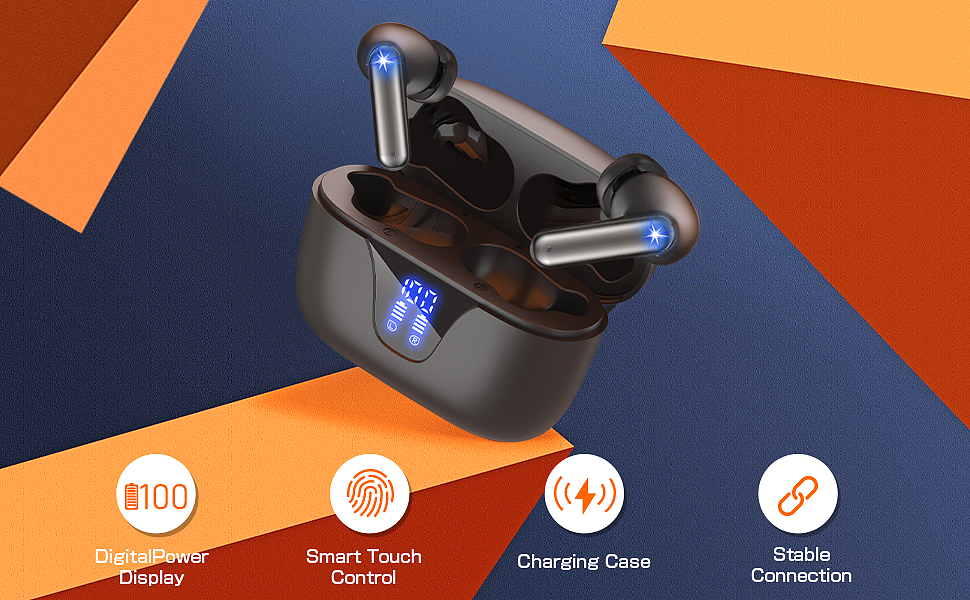
The auto-pairing behavior on these buds is typical of most current models.
- Keep the earbuds in their charging case. Make sure the case itself has some charge.
- Open the case lid. The moment you open it, the buds power up and enter pairing mode. A small light usually flashes on the buds or the case.
- Open your phone. Go to Settings > Bluetooth.
- Turn Bluetooth on. Your phone scans for nearby devices automatically.
- Look for the bud name. In the available devices list, tap the name that matches your buds.
- Confirm the pairing. Your phone may ask you to confirm. Once you do, you will usually hear a voice prompt say "Connected".
From this point on, the buds reconnect to your phone automatically every time you open the case and put them in your ears.
If the Pairing Does Not Take
If you do not see the bud name, or only one earbud connects, the fix is almost always a clean reset.
- On your phone's Bluetooth menu, find the earbuds, tap the info icon, and select Forget This Device.
- Place both earbuds back in the charging case.
- Close the lid, wait a few seconds, then open it again. This restarts the pairing cycle.
- If nothing changes, press and hold the touch sensor on both earbuds for a few seconds while they sit in the case, then close and reopen the lid.
Doing this clears the buds' memory of earlier devices and gives you a fresh start.
How Touch Controls Work
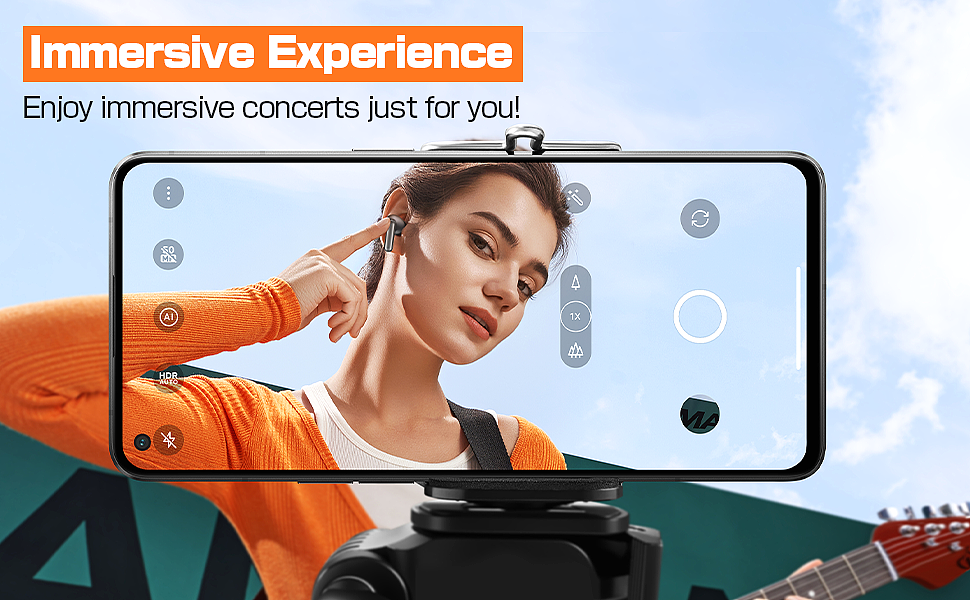
The biggest adjustment for new owners is the invisible touch sensor. Your old wired headphones had a button you could press. New buds use a capacitive pad that reads taps and holds. Learning the difference between a tap, a double-tap, and a long-press is the key to mastering your device.

The control layout here is common across many brands.
- Play or pause music: A single, quick tap on either earbud.
- Answer or end a call: A single, quick tap on either earbud.
- Reject a call: A long-press of about two seconds on either earbud.
- Next track: A double-tap on the right earbud.
- Previous track: A double-tap on the left earbud.
- Activate the voice assistant: A triple-tap on either earbud.
The Volume Gesture That Frustrates Everyone
Volume is the single most searched follow-up question, and for good reason. Many budget earbuds hide volume control entirely, forcing you to reach for your phone. With this pair, volume is handled with a press-and-hold gesture.
- Volume up: Press and hold the right earbud. You will hear it gradually increase.
- Volume down: Press and hold the left earbud.
The trick is to hold, not tap. A quick tap pauses the music, and a double-tap skips a track. Give yourself a few tries to get the timing right, and it will quickly become second nature.
What That Big Battery Number Actually Means
The product page for wireless earbuds almost always advertises a bold battery figure, such as "48 Hours of Playtime." This is a classic marketing spec that deserves some unpacking.
It is not 48 hours of continuous listening in your ears. The number comes from the ecosystem of the buds and the case working together.
- The earbuds: Each individual earbud carries a small battery. On this model, a single bud lasts about six hours of continuous listening on its own.
- The charging case: The case is a portable power bank. On this pair, the case holds about 500 mAh, which supplies several full recharges for both buds.
- The total: Listen for a few hours, drop the buds back in the case, let them recharge, and repeat. That cycle adds up to the advertised 48 hours of combined use.
Most modern cases include an LED digital display. It is genuinely useful, because it shows the remaining charge for the case and indicates when the individual buds are actively charging. When the display shows both buds topped up, you know you have the full 48 hours available again.
Water Resistance: What IPX7 Really Allows
You will see a rating like "IPX7" printed on your earbuds. This is an official ingress protection standard. Here is how to read it without ruining your new tech.
- IP stands for Ingress Protection.
- X means the device was not rated for dust protection.
- 7 is the water resistance level. At this rating, the device can survive brief immersion in water up to one meter deep for up to thirty minutes.
What IPX7 means for daily use:
- Sweat: Safe. An intense workout will not harm the buds.
- Rain: Safe. Getting caught in the rain on a run is fine.
- Splashes: Safe. An accidental splash from the sink is no problem.
What IPX7 does not mean:
- Showering: Not recommended. Steam, heat, and soap can break the seals over time.
- Swimming: Not rated. Do not submerge the buds for extended periods.
Think of IPX7 as sweat-proof and weather-resistant. It gives you peace of mind for everyday activity, but these are not aquatic devices.

Fixing the Problems That Show Up Later
Things occasionally go wrong. Before you get frustrated, know that almost every wireless earbud issue traces back to one of a few simple causes.
Only One Earbud Has Sound
This is the most common complaint. It means the two earbuds have lost their connection to each other.
- Fix: Place both earbuds back in the charging case, close the lid, wait ten seconds, and reopen it. This forces them to resync. If the problem persists, forget the device on your phone and pair again from scratch.
The Volume Stays Low Even at Maximum
You would be surprised how often this is caused by a simple blockage. The tiny speaker grille on the bud fills with earwax and debris over time.
- Fix: Gently pull off the silicone ear tip and brush the mesh grille with a dry, clean toothbrush. A small amount of Blu-Tack pressed lightly against the mesh also pulls out stubborn blockage. Reattach the tip and the volume usually returns to normal.
The Connection Crackles or Drops
This is almost always Bluetooth interference or range related.
- Check the source: Bluetooth 5.4, which this pair uses, is stable, but it does not travel well through your body. If your phone is in your back pocket and the main bud is in your far ear, the signal can weaken. Move your phone to a front pocket or an armband.
- Check for interference: A microwave oven or a powerful Wi-Fi router can crowd the 2.4GHz band that Bluetooth uses. Step a few feet away.
- Check the battery: A very low battery in the buds can make the connection unstable before it finally dies.
The Hardware Under the Hood
Beyond the day-to-day tasks, it helps to know what is actually inside. Understanding the components makes the controls and battery decisions make more sense.
Driver and sound. This pair uses a 13.2mm quad-magnet dynamic driver. That size is large for in-ear buds, which is why the bass feels fuller than you would expect from something this small. The driver reaches a low frequency response down to about 14Hz, so the low end stays clean rather than bloated.
Microphone and calls. Each bud houses a microphone roughly three times larger than the one found in many budget pairs, paired with smart noise reduction. In practice, that means your voice comes through clearly even when you are calling from a busy street.
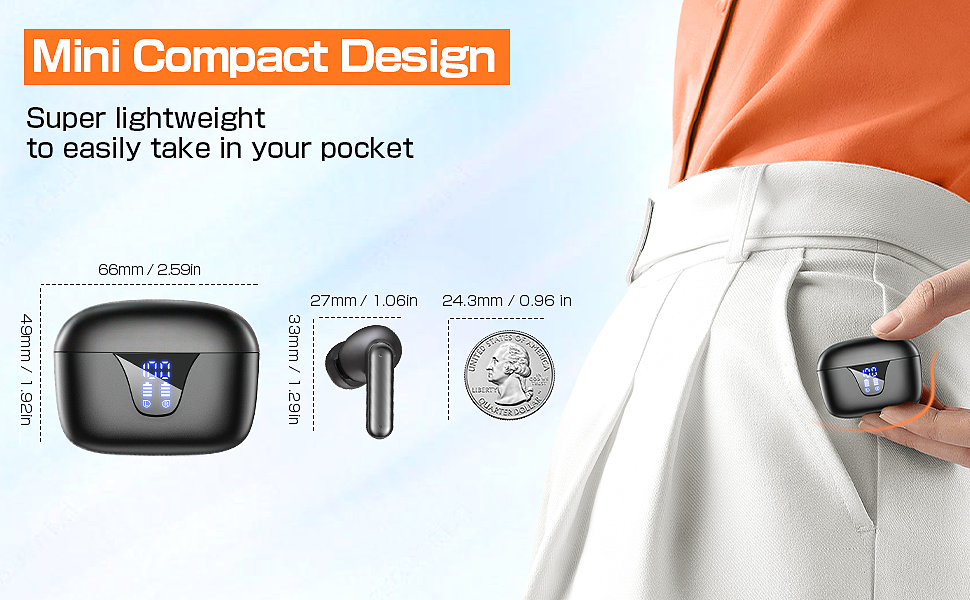
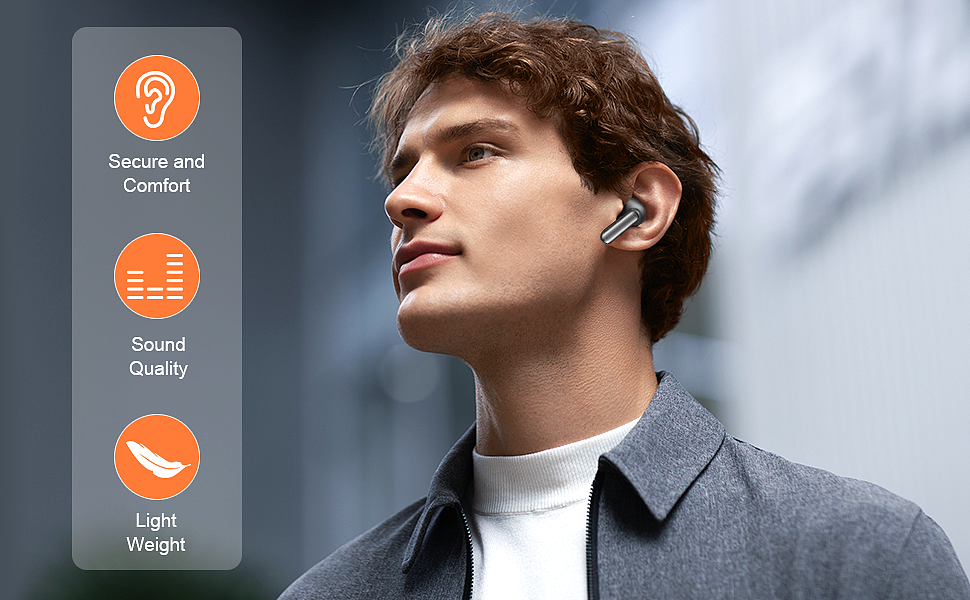
Weight and fit. At about 4.4 grams per bud, they are light enough to forget you are wearing them. The box includes multiple silicone tip sizes so you can find a fit that stays secure during movement.
Putting It All Together
You now know more than most wireless earbud owners. The logic behind these small devices is simple once you understand it: open the case to pair, tap and hold to control, brush the mesh to fix volume, and mind the battery cycle to keep the 48 hours of playtime available.
The ZIUTY Wireless Earbuds are just one example. The steps above carry over to any true wireless pair you will own.
Take a little time to learn the touch gestures, and the earbuds will stop being a source of frustration and start feeling like the untethered freedom they were built to give you.
ZIUTY Wireless Earbuds
Related Essays

HITY A4 Wireless Earbuds Bluetooth 5.3 Headphones Touch Control – Top Choice for Music Enthusiasts

MOYAGOA MFi Certified AirPods Pro Wireless Earbuds – Top-notch Features and Performance

Keklle2 Wireless Earbuds – Crystal Clear Sound and Waterproof Design

WATAHATIC 203 Wireless Headphones - Top-Notch Sound Quality and Long Battery Life

TBIIEXFL Earbuds Headphones Touch Control with Charging Case Waterproof Stereo Earphones in-Ear Built-in Mic Headset

ZHYH Headphones Touch Control – Premium Deep Bass for Sports

TBIIEXFL Earbuds Headphones - Premium Deep Bass and Waterproof Stereo Earphones for Sport

TBIIEXFL Earbuds – Premium Deep Bass and Touch Control

Peakfun Air180 Wireless Earbuds – A Blend of Style and Functionality
