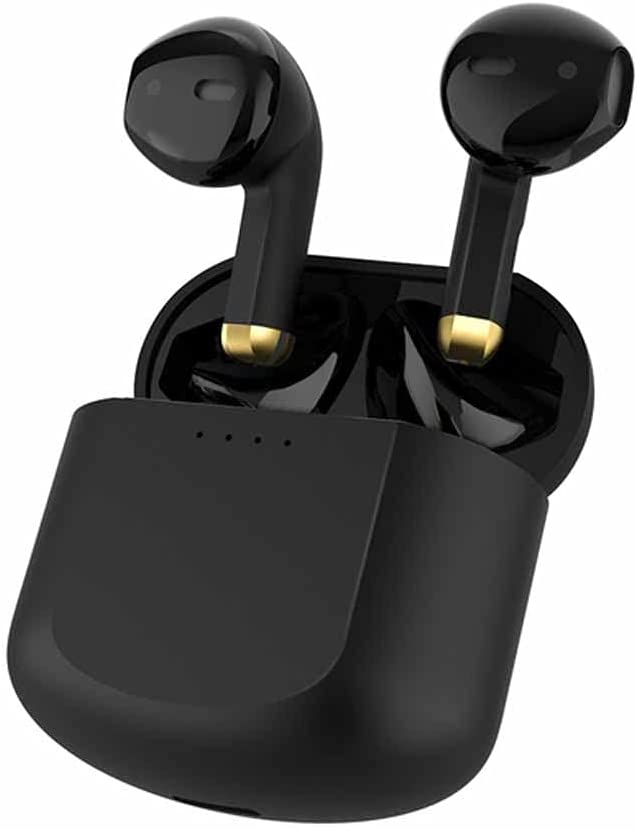
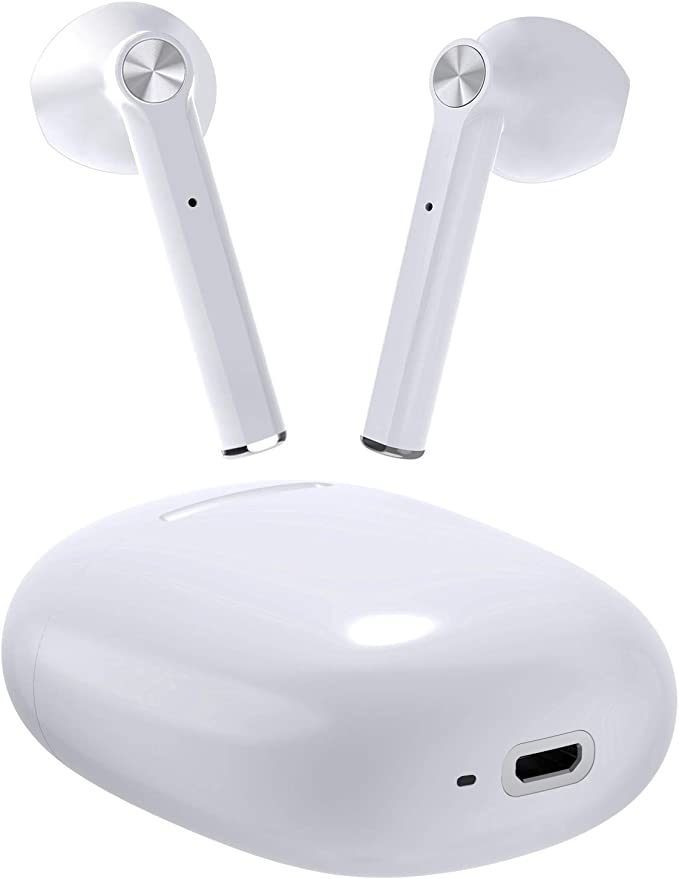
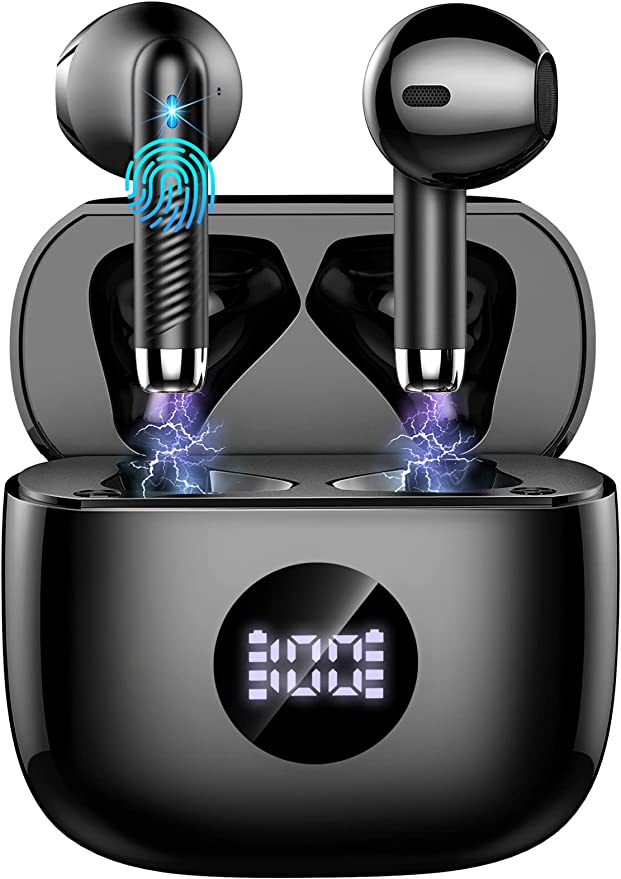
What is TWS? The True Wireless Stereo Feature Explained
Update on Jan. 27, 2026, 9:02 a.m.
You see it on the box of almost every new Bluetooth speaker: TWS. It stands for True Wireless Stereo.
Most of us just nod and assume it’s another marketing term. Or perhaps we think it just means you can “connect two speakers to make it louder.”
Connecting two speakers does make it louder, but that’s not the magic of TWS. Not even close. TWS offers a monumental upgrade to your listening experience, and it all comes down to solving a problem you didn’t even know you had.
The problem? You’ve probably been listening to “fake” stereo this whole time.
The “Orchestra in a Closet” Problem
You might say, “But my single Bluetooth speaker says ‘Stereo’ right on the box!”
You’re not wrong. Technically, that speaker does have two separate drivers inside: a left one and a right one. But here’s the problem: in a small speaker box, those two drivers are (at most) a few inches apart.
To understand why this is a problem, let’s use an analogy.
Imagine a full orchestra. You have violins on the left, cellos on the right, and drums in the back. Now, imagine trying to listen to that orchestra perform while they are all crammed inside a tiny closet.
That is your single “stereo” speaker. All the instruments are mashed together, coming from a single point in space. Your brain can’t distinguish the “left” from the “right.” It just sounds like a wall of sound. This is, effectively, Mono sound.
The whole point of “Stereo,” invented in the 1930s, was to re-create a physical space. It’s about creating a “soundstage”—the illusion that the guitarist is on the left side of your room and the backup singer is on the right.
To do that, your brain needs one crucial thing: Physical Separation. The left and right sounds must come from two physically different locations, ideally several feet apart.
TWS: Releasing the Orchestra
This is where TWS comes in. TWS (True Wireless Stereo) is the technology that lets you use two separate speakers to create a real stereo pair.
Here is how it works:
1. You have two identical speakers (for example, two PPMIC MS75 units).
2. You pair your phone (the source) to the first “Primary” speaker.
3. You then activate TWS mode, which links the “Primary” speaker to the “Secondary” speaker wirelessly.
4. The system intelligently sends the Left channel of the song only to the Primary speaker, and the Right channel only to the Secondary speaker.
The orchestra is no longer in the closet. The violins are now on the left side of your room, and the cellos are on the right side of your room.

This Isn’t 1+1=2. It’s 1+1=10.
The benefit of TWS is not just “double the volume.” The benefit is immersion.
With a single speaker, you are listening to the music.
With a TWS pair, you are inside the music.
It creates a wide, immersive soundstage that a single box, no matter how expensive, can never replicate. This is why the PPMIC MS75’s marketing, “Double the speakers = quadruple the energy,” is actually on the right track. It’s an exponential-feeling upgrade.
Pro-Tip: How to Use TWS at Your Next Party
The worst way to use TWS is to put both speakers right next to each other. You’ve just recreated the “closet” problem.
Here is the correct way: * Place the two speakers at opposite ends of the room, or at least 6-10 feet apart. * Aim them “inward” toward the main listening area. * This creates a massive “stereo triangle,” and everyone in that space will be blown away by the open, spatial sound.
A quick but important note: TWS is almost always brand-specific. You cannot link a Sony speaker with a JBL speaker. You must link two identical models (e.g., two PPMIC MS75s).
So, the next time you see TWS on a box, don’t just think “louder.” Think “wider,” “deeper,” and “truer.” It’s arguably the biggest real-world sound upgrade in portable audio today.