The External Sound Card Advantage: Deconstructing the Logitech H390 USB Headset
Update on Nov. 24, 2025, 10:40 a.m.
In the hierarchy of computer peripherals, the humble wired headset is often overlooked. Yet, for millions of remote workers and students, the Logitech H390 has become the de facto standard. Why does a device that has remained largely unchanged for over a decade continue to dominate sales charts?
The answer lies not in flashy marketing, but in sound engineering principles. The H390 is not merely a pair of speakers strapped to your head; it is a complete, self-contained Digital Audio Workstation. To understand its value, we must look beyond its plastic shell and examine the signal chain that drives it.

The Physics of USB: It’s an External Sound Card
Most users assume that the USB connector is simply a different shape of plug. In reality, it represents a fundamental shift in audio processing.
When you use a traditional 3.5mm analog jack, your headphones rely on the computer’s internal Digital-to-Analog Converter (DAC). Inside a laptop, this DAC is often surrounded by “electrical noise”—interference from the CPU, hard drive, and Wi-Fi antennas. This can introduce a subtle hiss or static floor to your audio.
The Logitech H390 bypasses this entirely. * Integrated DAC/ADC: The conversion from digital zeros and ones into audible sound waves happens outside your computer, within the headset’s own circuitry. * Interference Isolation: By moving the audio processing away from the motherboard’s electromagnetic chaos, the H390 delivers a significantly cleaner signal. This is why “Enhanced Digital Audio” is a technical reality, not just a buzzword. It is the sonic equivalent of drinking bottled water instead of tap water from rusty pipes.
The Acoustics of “Noise Cancellation”
The term “Noise Cancellation” is often misused. In high-end headphones, it refers to Active Noise Cancellation (ANC) for the listener. In the H390, it refers to the microphone’s ability to protect the caller.
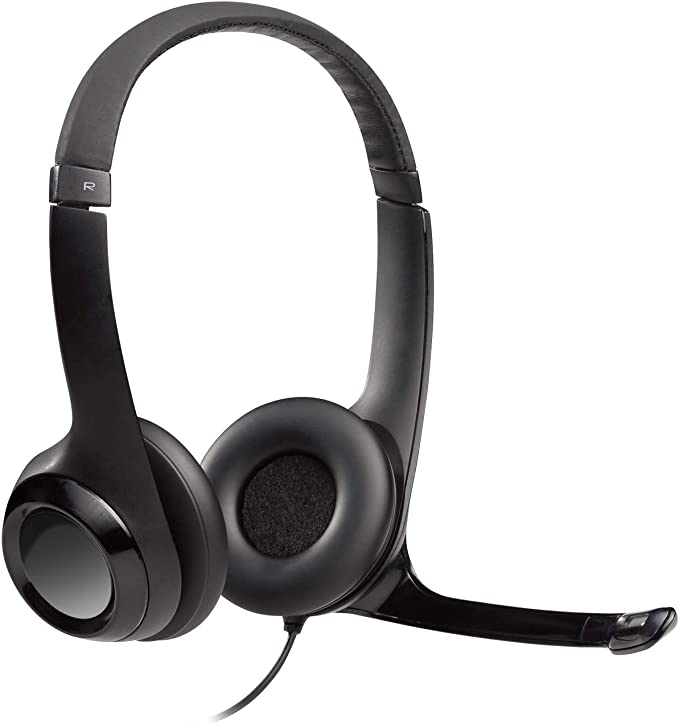
The H390 employs a Passive Directional Microphone. Unlike the omnidirectional microphones found in webcams (which pick up room echo, keyboard clatter, and dog barks equally), a directional mic focuses on a specific “pickup pattern” directly in front of the mouth.
[Image of microphone polar pattern diagram]
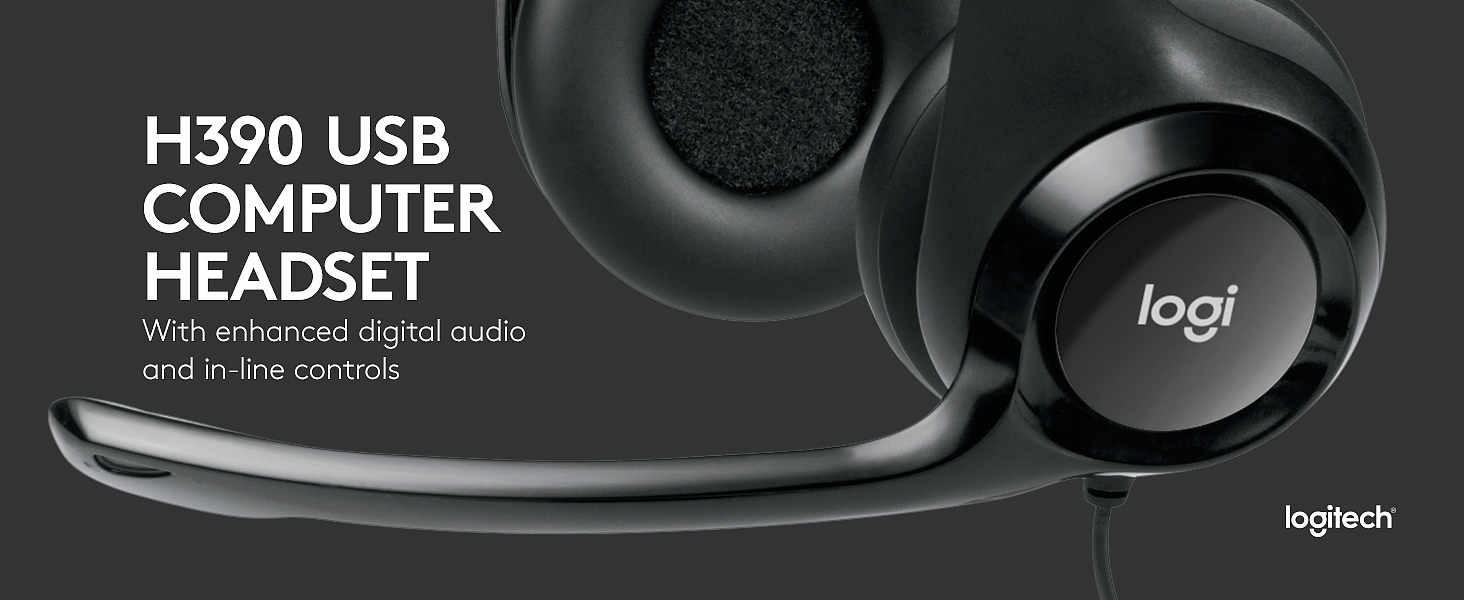
This is enhanced by the Proximity Effect. The rigid, rotating boom arm forces the microphone element to remain at a fixed, optimal distance from the sound source (your mouth). By the laws of physics (specifically the Inverse Square Law), your voice hits the mic with exponentially more energy than background noises just a few feet away. This physical arrangement allows the headset to naturally reject ambient noise without requiring heavy, battery-draining digital processing.
Laser-Tuned Drivers: Optimizing for Voice
Logitech references “laser-tuned drivers.” While precise details are proprietary, in audio engineering, this typically refers to the calibration of the driver’s diaphragm to minimize distortion, particularly in the vocal frequency range (300 Hz to 3.4 kHz).
The H390 is tuned specifically for intelligibility. While it boasts a 20Hz-20KHz range, its “sweet spot” is the midrange frequencies where human speech resides. This ensures that on a Zoom call, voices sound crisp and present, avoiding the “muddy” bass that plagues many consumer headphones designed primarily for hip-hop or action movies. It is a tool sharpened for communication first, entertainment second.
The Ergonomic Trade-off: Supra-aural Design
The H390 utilizes a Supra-aural (On-Ear) form factor. In ergonomic terms, this is a calculated trade-off. * The Advantage: Heat management. Unlike Over-Ear (Circumaural) headsets that seal the ear and create a “sauna effect,” On-Ear designs allow for better airflow, keeping ears cooler during extended use. * The Limitation: Pressure. Because the earcups rest on the cartilage rather than around it, clamping force becomes a critical factor. While the H390 uses plush padding to mitigate this, some users may experience “cartilage fatigue” after 3-4 hours of continuous wear. It is designed for the sprint of a meeting, not necessarily the marathon of an 8-hour shift without breaks.
Reliability in a Wired World
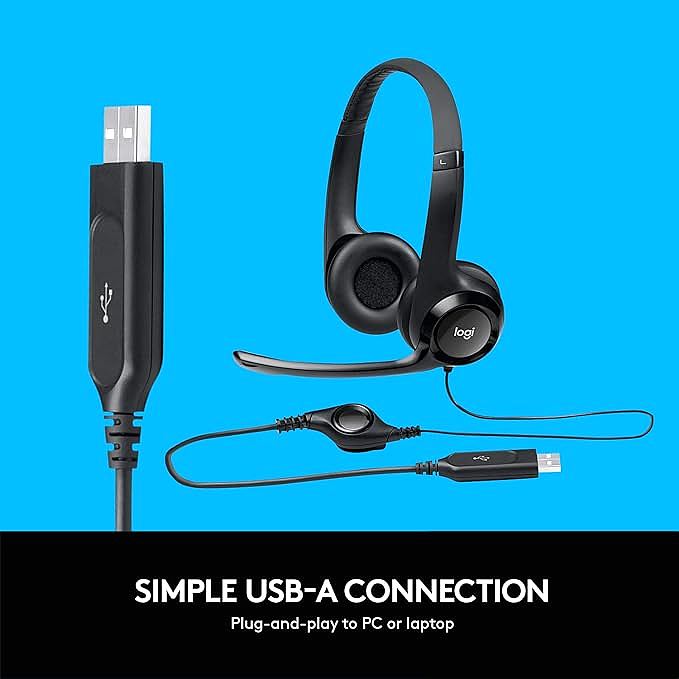
In an era of Bluetooth, the 1.9-meter (6.23 ft) cable is a feature of reliability.
1. Zero Latency: There is no encoding/decoding delay, ensuring your lips match your voice perfectly in video calls.
2. No Battery Anxiety: It draws its power directly from the USB bus.
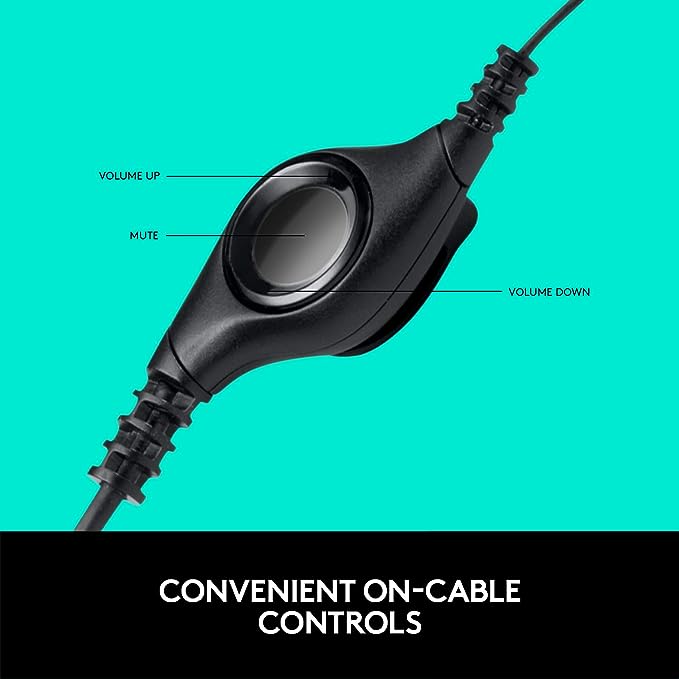
3. Hardware Control: The in-line control pod offers a physical mute switch. In a professional setting, the tactile certainty of a physical button—complete with an LED indicator—is often faster and more reliable than hunting for a software mute icon on a cluttered screen.
Conclusion: The Professional Standard
The Logitech H390 endures because it solves the fundamental problem of computer audio: inconsistency. By replacing your computer’s variable internal sound card with its own dedicated hardware, it establishes a standardized, high-quality audio baseline. It is a testament to the idea that in professional communication, reliability and clarity are the ultimate luxuries.